




Piperspin Mobile Casino Platform
The Piperspin mobile app platform works through a browser-based shortcut that opens the full casino lobby without requiring a conventional app download. It provides access to real-money slots, live dealer games and financial management from compatible mobile devices.



Progressive Web App Technology
Traditional app stores can create additional restrictions for real-money gaming software, including regional availability limits and mandatory updates. Piperspin instead uses Progressive Web Application technology, allowing the mobile platform to run through browsers such as Safari or Chrome.
A PWA operates similarly to a standard mobile application once added to the home screen, but the core application still runs in the browser.
Main Differences Between a PWA and a Standard App
| Feature | How It Works on Piperspin |
| Storage use | The PWA occupies less than 5 MB of device storage, while conventional casino applications can require between 100 MB and 500 MB. |
| Updates | Software changes load automatically in the background when the platform opens. No need for manual update installations. |
| New platform content | Security updates and newly added games become available through the existing launcher after publication. |
The PWA format mainly reduces storage requirements and removes manual software maintenance. Users continue accessing the same platform through a lightweight home-screen shortcut.
Touchscreen Features in the Piperspin App
Mobile screens require different controls from desktop interfaces. For this reason, Piper Spin adapts key interaction areas for touchscreen use, particularly in games where quick input matters.
| Mobile Feature | Description |
| Touch-focused controls | Games such as Aviator and Plinko use larger interactive areas. Important controls such as the cashout button are positioned for easier thumb access. |
| Session recovery after calls | If an incoming phone call interrupts gameplay, the server continues processing the active game state. Any open wager resolves on the server, and the account balance updates accordingly. |
These features focus on reducing accidental taps and maintaining game continuity when another mobile function interrupts the session.
Mobile Performance and Resource Usage
Device battery consumption and mobile data use differ depending on the type of game being played.
- Classic online slots use around 15 MB of data per hour and reduce battery charge by approximately 3–5%. Lowering screen brightness and using dark mode help reduce power consumption.
- Crash and instant games are estimated to reduce battery life by 5–8%. A stable 4G or 5G connection is perfect for this format.
- HD live casino streams consume around 150 MB of data per hour and can reduce battery life by 12–15%. Wi-Fi and access to a power source are more practical for longer sessions.
Live casino streaming requires substantially more data and battery power than slots or instant games. Players using mobile data for extended sessions therefore need to consider both connection quality and remaining battery charge.
Installing Piperspin on Different Devices
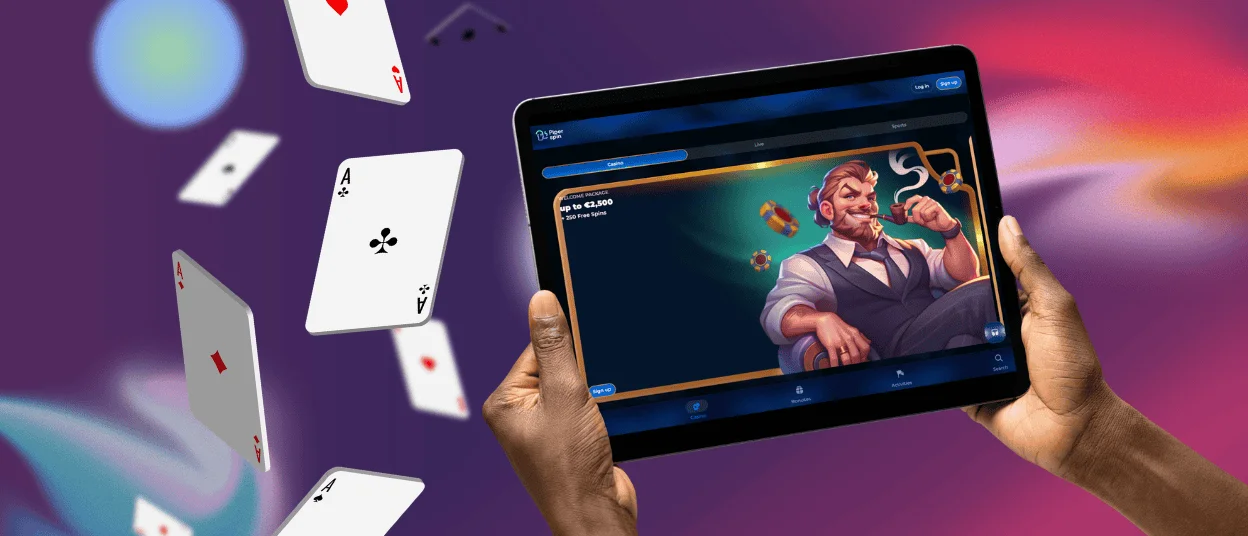
The Piper Spin platform can be added to phones, tablets, and desktop computers through supported browsers. The process does not require downloading a separate installation file.
Installing Piperspin on Android
| Step | Action |
| 1 | Open Google Chrome on an Android smartphone or tablet and visit the main Piperspin website. |
| 2 | Tap the three-dot menu in the upper-right corner of Chrome. |
| 3 | Choose “Add to Home screen,” then confirm the action. |
| 4 | Find the new Piperspin icon on the home screen or in the application list. |
When you set everything, the shortcut opens the mobile platform directly without requiring users to search for the site in the browser each time.
Installing Piperspin on iOS
| Step | Action |
| 1 | Open Safari on an iPhone or iPad and visit the main Piperspin website. |
| 2 | Tap the Share icon, shown as a square with an upward arrow. |
| 3 | Scroll through the available actions and select Add to Home Screen. |
| 4 | Tap Add in the right corner to create the launcher icon. |
The resulting home-screen shortcut gives iPhone and iPad users direct access to the browser-based PWA through Safari.
Installing Piperspin on a Computer
Desktop users can also install a clean, standalone Piperspin app window.
- Open Google Chrome and Microsoft Edge. There is also Brave on a PC or Mac.
- Load the Piperspin website.
- Select the installation icon near the browser address bar.
- Confirm the installation when the browser shows the prompt.
- Open Piper Spin from the desktop shortcut or taskbar, depending on the operating system.
Desktop installation creates a separate application-style window while keeping the platform connected to the same browser-based infrastructure. Users who encounter installation problems can contact Piperspin support through live chat.
Piperspin Mobile and Desktop Comparison
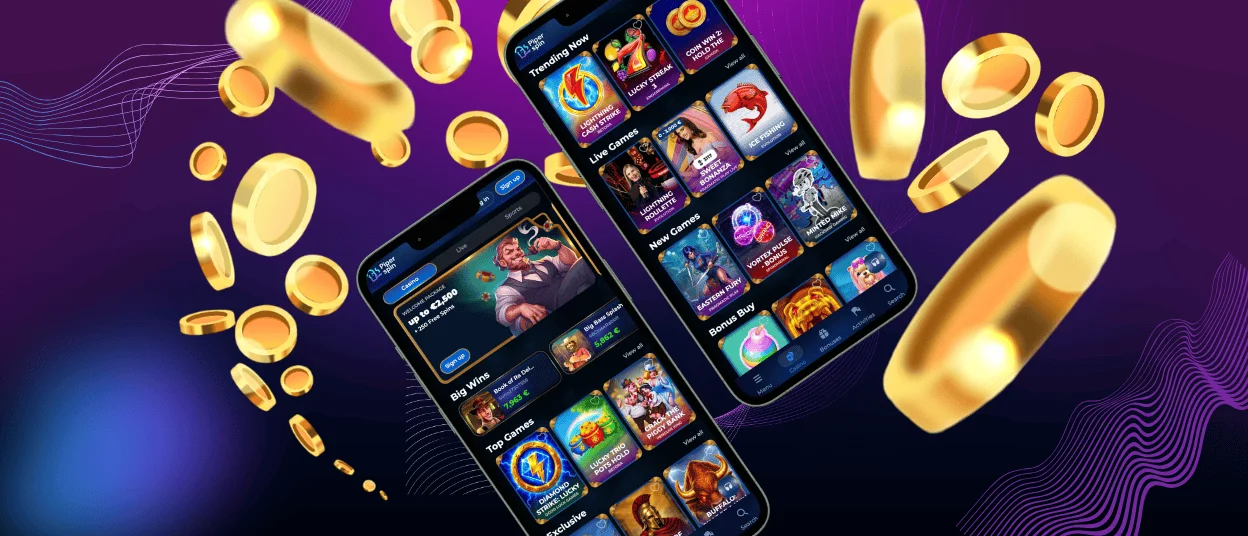
Mobile and desktop access support the same account, but each format suits different types of sessions.
- Mobile access opens directly from a phone and uses touchscreen controls designed for instant and fast-paced games. Desktop use requires access to a computer and a browser. A mobile is more practical in this situation.
- A phone shows one stream comfortably at a time, while a larger desktop screen provides more space for several windows or live tables. Desktop is better suited to this use.
- Compatible smartphones support biometric authentication such as Face ID or Touch ID. Desktop access more often relies on a typed password or an additional verification code. Mobile provides a faster login process in this scenario.
- A phone camera allows users to photograph and upload identity or address documents from the same device. Desktop screens are easier for reviewing files, although documents often need to be transferred first. Mobile offers a more direct workflow.
- Phones have portability, but prolonged graphics and streaming increase battery use. Desktop computers offer continuous power and more effective cooling. Desktop is more suitable for extended sessions.
Neither format replaces the other completely. Mobile access prioritizes portability and faster device-based actions, while desktop use offers more screen space and fewer battery constraints.

FAQ
Are all Piperspin games available on mobile?
The mobile lobby includes more than 6,000 slots and live dealer streams. The same game catalog available on desktop is accessible through the Piperspin mobile platform.
Do I need another account for the Piperspin mobile platform?
No, the email address and password work across supported devices. Account balance and Piper Spin profile settings are well-synchronized between mobile and desktop sessions.
Is Piperspin secure on public Wi-Fi?
The Piperspin PWA uses the latest TLS 1.3 encryption for data transferred between the device and the platform servers. Even with encrypted communication, unverified public Wi-Fi networks are not a perfect and most safe choice for financial transactions. We recommend you use a trusted private network when depositing or withdrawing funds.


