




Piperspin App: Mobile Casino Gaming
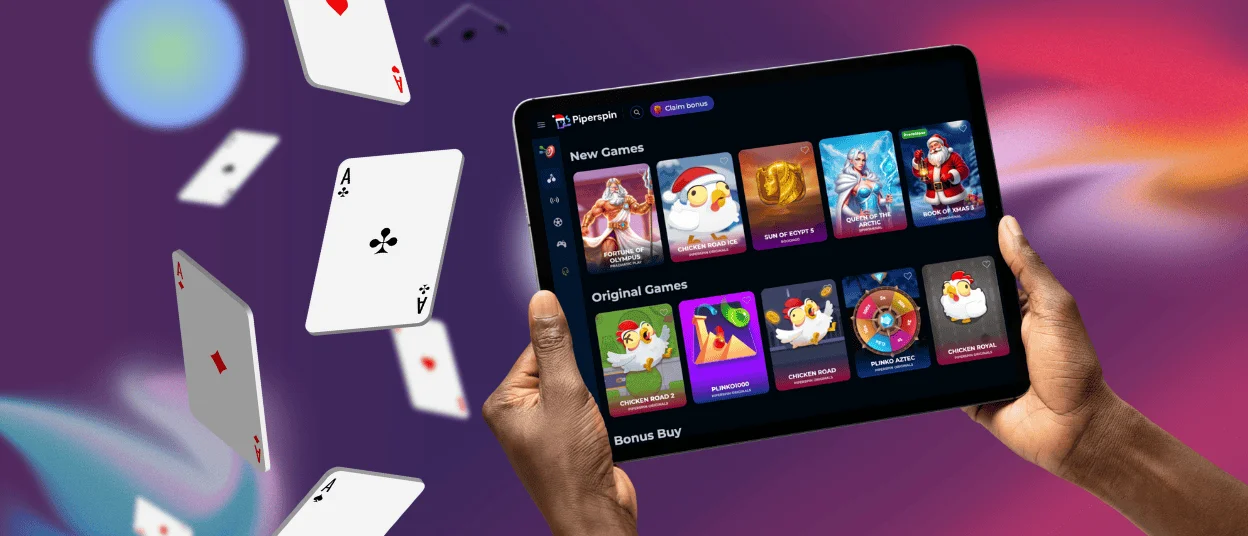
More than 80% of our users prefer to play on their mobile devices, either in the mobile version or in the Piperspin app. It’s a convenient way to stay online, wherever you are. At the same time, you get access to the same titles and features as in the main version. The mobile version of Piperspin is available for both Android and iOS.



Piperspin Mobile Platform
Piper Spin Casino gives you many options for using the platform. Your location or device does not limit you. Now you can be home and play from your PC and in the next hour, decide to go out but keep playing on your smartphone.
All mobile users can choose between the browser version and the Piperspin app, which can be installed from our website. Your gaming experience will be the same or even better than the desktop version. All functionalities are adapted to mobile devices, including bigger buttons, scroll and swipe functions and touch control for all titles.
It’s up to you to choose the most convenient option of using Piperspin Casino on your smartphone or tablet. Below, we compared the mobile app and the browser version in the main categories.
| Feature | Mobile app | Web browser |
| Installation | Directly from our website (takes a few minutes). No app store account is required. | None required. Access in any modern browser. |
| Speed | It is optimized for fast loading and a smooth gaming experience. | It depends on the browser, the device and the internet connection. |
| Storage | Uses minimal device storage while caching key files for faster access. | Doesn’t use any device storage. Only temporary browser cache. |
| Updates | Auto-updates instantly without user action. | Automatically after page reload. |
| Notifications | Supported for news, bonuses, tournaments and updates | Limited or unsupported in some browsers. |
Piperspin Casino Mobile App for Android
All Piperspin Android users will be happy to hear that we have developed a special app for them. It’s a convenient mobile software that has the same design, navigation and functionalities as the desktop version so that you don’t get lost.
You don’t need to download any unknown Piper Spin APK files. We offer a progressive web app (PWA) you can install directly from our website. It’s a better version because it won’t use any storage on your device. The Piperspin app works smoothly and quickly with a stable internet connection. There are also features available offline.
If you’re ready to download the app on your Android device and enjoy the mobile casino features, use our step-by-step instructions below:
- Go to the footer (bottom) of the Piperspin Casino website on your mobile device.
- Find and click the “Casino App” button.
- On the new page, tap “Install” in the middle of the screen.
- The installation will start and be completed in a few minutes. The brand icon will appear on your home screen.
Piper Spin Casino Mobile App for iOS
If you have an iPhone or iPad, you can also play on the go with no issues. There is a mobile version available in Safari and other browsers. Piperspin Casino created the browser version, which is compatible and adaptable with any modern mobile device. For quicker access to our website, users can install the shortcut icon:
- Visit Piperspin with your mobile device.
- In the address bar of your browser, click the “More” button.
- In the list, select the “Add to home screen” option.
- You can customize the icon name. To confirm your actions, click “Add”. Thereafter, it should appear on your main screen.
iOS users can also download the Piper Spin app. It can be done within a few minutes by clicking on the “Casino App” button on our website. You get access to 6,000+ titles, including online slots, table games, instant win titles and live dealer options. We work with trusted software providers who develop games for both desktop and mobile.

Windows & macOS App Downloads
With Piperspin Casino, you can also play the traditional way on your computer or laptop with no worries. It’s very convenient to use our platform on a big screen. The website adapts to your screen sizes and browser requirements. By the way, you can use any convenient browser, for example, Google Chrome, Safari and any other.
For quicker access, you can also install the shortcut icon. It can be done in any browser. For you, it means that you don’t have to go to the browser and search for the Piperspin Casino website but access it in one click from your home screen.

FAQ
Does the Piper Spin Casino App Offer Customer Support?
In the Piperspin app, you can contact the support team via the built-in live chat. Our managers will reply within a few minutes with a professional solution. You can also email us 24/7.
Is Creating an Account Required to Use the Piperspin App?
You should log in to your account or create a new one to use the mobile software. Besides that, before your first withdrawal, we’ll ask you to complete the verification process.
Are All Games Available in the App?
The Piper Spin app mirrors the main desktop website. It also includes all titles. You will find all your favorite games when playing from a mobile device. They all adapt to smaller screens and offer a great user experience.
How Can I Update the Piperspin Casino App?
As a progressive web app, it updates automatically without any additional steps from you. If we make a significant change to the mobile software and it requires any action, we’ll notify you via push notifications and email.


